Switch from Ground Hopper to Footbeen
Bring your match history to Footbeen and unlock personal stats, interactive map, and personal milestones. Your data stays in Ground Hopper too — Keep your original export as a backup while you review the import.
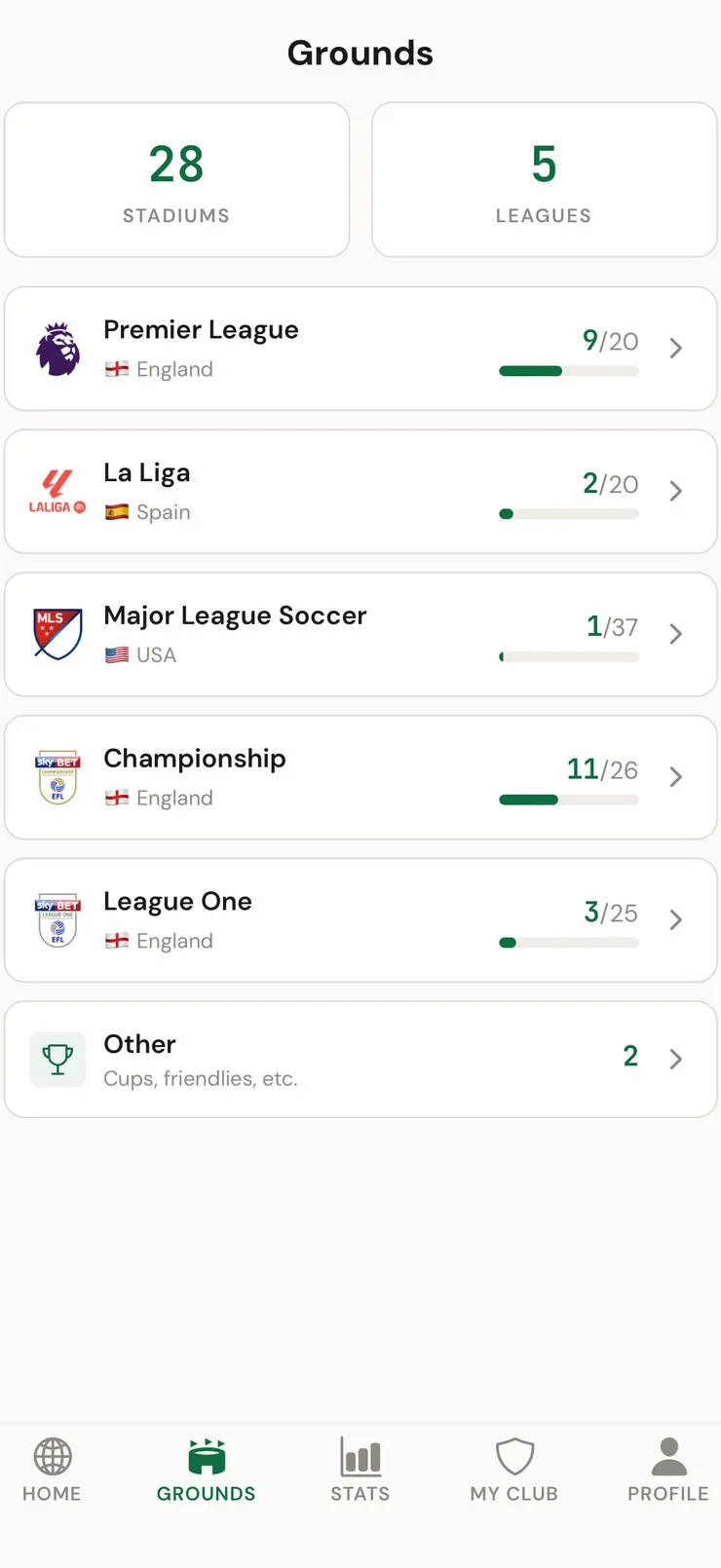
-
Open Ground Hopper
Open the Ground Hopper app on your phone.
-
Look for an export option
Check Settings or Profile for an export, download, or data backup option. Ground Hopper may have added data export since this guide was written.
-
Save the export file
If you find an export option, save the file (CSV, JSON, or any format). Email it to yourself or save to Files.
-
If no export exists, contact support
If there's no built-in export, contact Ground Hopper support and request your data. Under GDPR, you have the right to request your data.
Copy this message:
Hi, I'd like to export my match history and visited grounds data as a CSV file. Is this possible? Thank you.
-
Open Footbeen → Import
In Footbeen, go to Settings → Import Matches and upload or paste your data. We'll match your matches with our database of available matches in the Footbeen catalogue.
What Footbeen keeps together
| For your football history | In Footbeen |
|---|---|
| Attended matches | A match-first diary with teams, date and stadium in one record |
| Match memories | Personal notes, ratings and photos where supported |
| Visited grounds | A personal stadium map linked to your match history |
| Your progress | Clubs, countries, seasons and personal milestones in one place |
| Existing history | Import a supported export, then review the matched records before saving |
FAQ
How long does the import take?
Processing time depends on the file size and how many records need review. Footbeen shows the matched and unmatched records before you save the import.
Will all my matches be imported?
We match against the available Footbeen catalogue. Availability varies by competition and season, and Footbeen shows any records it could not match so you can review them before saving.
Do I need to delete Ground Hopper?
No. Your data stays in Ground Hopper too. Keep your original export as a backup while you review the import. Footbeen gives you deeper personal stats, more achievements, and a richer way to relive your football journey.
Does Ground Hopper have an export feature?
As of writing, Ground Hopper may not have a built-in export. Check their Settings for updates, or contact their support. Under GDPR, services must provide your data on request.
What data formats does Footbeen accept?
Footbeen accepts CSV files, JSON, and plain text match lists. You can upload a file or paste content directly. We'll automatically detect the format and match your data.
Can I import from other apps too?
Yes! We support Futbology CSV, CSV, Football Ground Map, and any generic CSV file. Go to Settings → Import Matches.